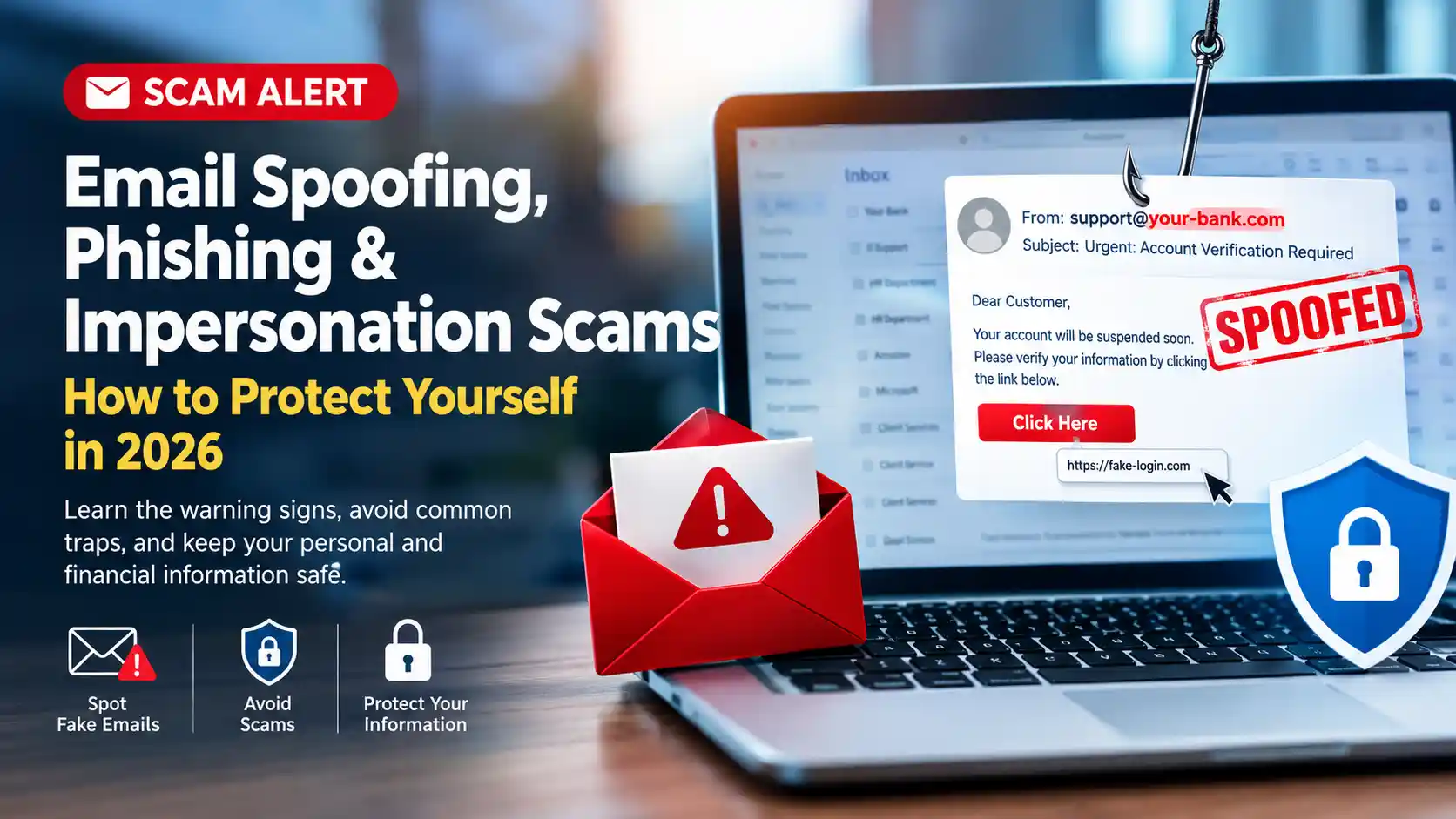
Email Spoofing, Phishing & Impersonation Scams: How to Protect Yourself in 2026
Does an email look like it came from someone you know—but something doesn’t feel right?
In today’s digital world, scammers can make fraudulent emails look remarkably legitimate. They may impersonate a friend, family member, business, financial institution, real estate professional, title or escrow company, lender, or even a company executive.
Some scams use email spoofing, phishing, compromised accounts, fake websites, social engineering, and increasingly sophisticated AI-generated content to convince people to send money, disclose sensitive information, or click malicious links.
The most important rule is simple:
Don’t trust an email simply because the sender’s name or address looks familiar. Verify important requests independently.
What Is Email Spoofing?
Email spoofing occurs when a scammer manipulates email information to make a message appear to come from another person or organization.
A fraudulent email may appear to come from:
- Your employer or manager
- A family member or friend
- Your bank or financial institution
- A government agency
- A real estate agent or broker
- A mortgage professional
- A title or escrow company
- A vendor or contractor
- A familiar business
The displayed sender name may look completely legitimate. In some cases, even the email address can be made to look very similar to a legitimate address.
Email Spoofing vs. a Hacked Email Account
These are not necessarily the same thing.
A scammer may send a spoofed email that appears to come from you without actually having access to your email account.
For example:
- You may receive a message saying that your email address sent a suspicious email.
- A friend may tell you they received a strange message from your email address.
- Your email address may appear in a scammer’s “From” field.
This does not automatically mean your email account was hacked.
However, if you notice unfamiliar messages in your Sent folder, unexpected password-reset notifications, unfamiliar login activity, or other suspicious account behavior, you should take the possibility of account compromise seriously and secure the account.
What Is Phishing?
Phishing is a type of scam designed to trick you into providing information, clicking a malicious link, downloading something, or taking another action that benefits the scammer.
Phishing emails commonly create a sense of urgency.
For example, an email may claim:
- Your account will be closed.
- Your payment failed.
- Your password needs to be reset.
- You have an unpaid invoice.
- Your package could not be delivered.
- You need to verify your identity.
- A transaction requires immediate approval.
- Your bank account has a security problem.
The goal is often to make you act before you have time to verify the message.
AI Is Making Impersonation Scams More Convincing
AI tools can help scammers create polished emails, convincing messages, fake websites, and highly personalized communications.
A message may contain:
- Professional-looking language
- Correct names and company information
- Realistic signatures
- Company logos
- Information about an actual transaction
- Personalized details gathered from public sources
That means poor grammar is no longer the only warning sign. A professionally written email can still be fraudulent.
7 Warning Signs of a Suspicious Email
1. An Unexpected Request for Money
Be especially cautious when an email asks you to:
- Send money
- Purchase gift cards
- Make a wire transfer
- Change payment information
- Pay an unfamiliar invoice
- Send cryptocurrency
Never assume a financial request is legitimate simply because it appears to come from someone you know.
2. Last-Minute Changes to Payment or Wiring Instructions
This is one of the most important warnings for real estate and other high-value transactions.
If you receive an email saying that bank or wiring instructions have changed:
- Do not immediately send the money.
- Do not rely solely on the email.
- Contact the appropriate party independently.
- Use previously known contact information whenever possible.
- Verify the instructions through a trusted communication channel.
Never treat an email alone as sufficient verification for a large financial transfer.
3. Suspicious Links
Be cautious before clicking links in unexpected emails.
A link may take you to a website designed to look like a legitimate login page.
Instead of clicking the link in the email, consider opening the organization’s official website or app directly.
4. Urgency and Pressure
Scammers don’t want you to stop and investigate.
Be cautious when an email tells you:
- “Act immediately.”
- “Your account will be suspended.”
- “Payment is due today.”
- “This must remain confidential.”
- “Do not call.”
- “Click here within 24 hours.”
Urgency should be a reason to slow down and verify.
5. Slightly Different Email Addresses
A scammer may create an address that looks very similar to a legitimate one.
For example, a fraudulent address may use:
- A slightly different domain
- An extra letter
- A missing letter
- A different top-level domain
- A misleading display name
Don’t look only at the sender’s display name. Examine the actual email address and domain carefully.
6. Unexpected Attachments
Be cautious with unexpected attachments, particularly if the message asks you to open a document, enable something, or provide login credentials.
If you weren’t expecting the attachment, verify the message before opening it.
7. The Request Doesn’t Make Sense
Trust your instincts.
If someone who normally communicates one way suddenly asks you to do something unusual—especially involving money, passwords, or sensitive information—verify it independently.
The Best Rule: Stop, Don’t Click, Verify
When an unexpected email asks you to take an important action, use this simple process:
STOP → DON’T CLICK → VERIFY
- STOP: Don’t act immediately.
- DON’T CLICK: Avoid links and attachments until you verify the message.
- VERIFY: Contact the person or organization independently.
How to Verify an Email Safely
If an email asks for sensitive information, money, or an important account action:
- Use a phone number you already know.
- Use contact information from a previous legitimate communication.
- Visit the organization’s official website by typing the address yourself.
- Use the organization’s official mobile app.
- Contact the person through a separate communication channel.
Don’t use the contact information provided in the suspicious email to verify the suspicious email.
That information could belong to the scammer.
Real Estate and Mortgage Email Scams
Real estate and mortgage transactions can involve large amounts of money and sensitive personal information, making them attractive targets for fraud.
Be particularly cautious with emails involving:
- Wire instructions
- Closing funds
- Down payments
- Escrow information
- Bank account changes
- Loan documents
- Payment instructions
- Last-minute transaction changes
Never Change Wiring Instructions Based Solely on an Email
If you receive new or changed wiring instructions, stop and independently verify them with the appropriate authorized party using trusted contact information.
Do not rely solely on the email, even if it appears to come from someone you have been communicating with throughout the transaction.
What If an Email Appears to Come From You?
If someone tells you they received a suspicious email from your address, don’t automatically assume your account has been hacked.
First, check:
- Your Sent folder
- Your account security notifications
- Recent login activity, if available
- Password-reset notifications
- Recovery email or phone-number changes
- Other unusual account activity
If you find evidence of unauthorized access, secure the account immediately and contact the email provider or appropriate security support.
What Information Should You Never Send Unexpectedly by Email?
Be extremely cautious about sending sensitive information in response to an unexpected email, including:
- Passwords
- One-time verification codes
- Bank account information
- Credit card information
- Social Security numbers
- Tax identification information
- Identity documents
- Other sensitive personal or financial information
If someone unexpectedly requests sensitive information, independently verify why it is needed and who is requesting it.
A Quick Email Scam Checklist
Before responding to an unexpected email, ask:
- ❓ Was I expecting this email?
- ❓ Is the sender’s actual email address correct?
- ❓ Is the domain spelled correctly?
- ❓ Is there pressure to act immediately?
- ❓ Is money or sensitive information involved?
- ❓ Does the email contain an unexpected link or attachment?
- ❓ Can I verify this request independently?
What to Do If You Already Clicked a Suspicious Link
If you accidentally clicked a suspicious link, don’t panic.
- Do not enter additional information.
- Close the suspicious webpage.
- If you entered a password, change it through the legitimate website or app.
- Enable multi-factor authentication where available.
- Monitor the affected account for unusual activity.
- Contact your financial institution if financial information was disclosed.
- Consider obtaining professional cybersecurity assistance if you believe your device or account may have been compromised.
The Bottom Line
Email scams are becoming more sophisticated. A message can look professional, contain accurate information, and appear to come from someone you know—and still be fraudulent.
The safest approach is to slow down when an email involves money, sensitive information, account access, or urgency.
- Don’t trust the display name alone.
- Check the actual sender address.
- Don’t click unexpected links.
- Be careful with attachments.
- Never rely solely on email for major financial changes.
- Independently verify important requests.
When in doubt: STOP → DON’T CLICK → VERIFY.
A few extra minutes of verification can be worth far more than the time it takes.
Disclaimer
Educational and Informational Purposes Only: The information provided in this article is intended solely for general educational and informational purposes. It is not intended to provide legal, financial, cybersecurity, identity-theft, telecommunications, technology, or other professional advice, and it should not be relied upon as a substitute for advice from a qualified professional.
Information regarding email spoofing, phishing, impersonation scams, AI-generated content, cybersecurity practices, fraud prevention, and related risks can change over time. While reasonable efforts may be made to provide useful information, no representation or warranty is made regarding the completeness, accuracy, reliability, or current applicability of the information.
If you believe you have been the victim of fraud, identity theft, unauthorized account access, financial fraud, wire fraud, phishing, or another scam, contact the appropriate financial institution, service provider, government agency, law-enforcement agency, cybersecurity professional, or other qualified professional for assistance.
This article is provided for educational and informational purposes only and does not establish a client, professional, fiduciary, legal, financial, cybersecurity, or other advisory relationship.
Author is not responsible for any actions taken or not taken based on the information contained in this article.